Convenient Account Entry
An app-style layout can place login, profile settings, and account information within easy reach on a mobile screen.
 Contact UsRegister
The GTARA App guide helps Philippines users understand a practical Android setup process before using an app-style platform experience. It covers finding the official download page, saving and installing the APK, checking device permissions, protecting login information, and reviewing account areas carefully. Users should also consider local rules, personal budgets, and responsible use before accessing gambling-style entertainment.
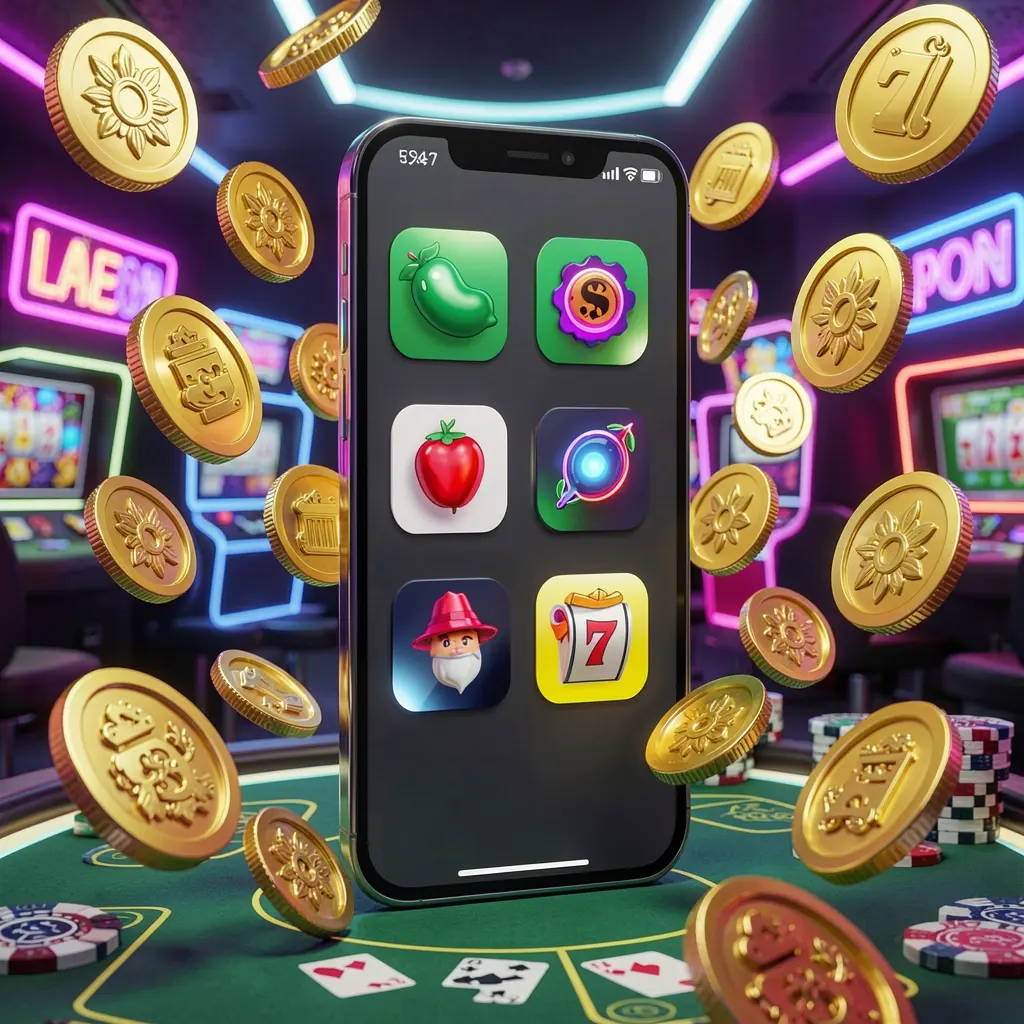
The GTARA App is an Android access option for people who prefer opening platform features through a dedicated mobile interface rather than returning to a browser each session. It can keep account tools, navigation, and help sections within a phone-friendly layout.
For users in the Philippines, mobile convenience should go together with careful decisions. Before downloading any APK, confirm that the link leads to the official GTARA page, read applicable terms, and consider whether this type of activity is appropriate and permitted for you.
The GTARA App can provide Android users with a more direct route to account access, platform categories, wallet-related pages, and support tools. It should be downloaded from an official source, used by adults only, and approached with clear personal limits.
An app-style layout can place login, profile settings, and account information within easy reach on a mobile screen.
Focused menus may help users move between platform sections without repeatedly opening browser tabs or searching for page links.
Downloading from the verified GTARA page helps reduce exposure to altered files, misleading pages, and unsafe installation sources.
Review terms, promotions, wallet information, and responsible-use options before taking actions through the app.
Use a cautious installation process when setting up the GTARA App. Android menus differ between phone models, but the essential steps are similar: verify the source, complete the download, manage permissions, and inspect the app before signing in.
Open the official GTARA website in your Android browser and locate its App or Download area. Avoid files shared through social posts, private messages, or unfamiliar download websites.
Select the Android download option and wait for the file to finish saving. Check the download notification or file manager to make sure you open the intended APK only once.
Android may ask you to allow your browser or file manager to install unknown apps. Enable this setting only for the installation if needed, then disable it afterward for stronger device protection.
Tap the downloaded file, follow the Android prompts, and open GTARA after installation. Read the available terms, privacy information, and account settings before entering personal details or using financial features.
These simple checks can support smoother and more secure Android use.
Protect your GTARA account by using a unique password and keeping verification codes private. Be cautious of anyone requesting login details, screen-sharing access, or APK files. Official support channels should be accessed from the official website or app, not from unsolicited messages.
Philippines users should check current local requirements and restrictions before engaging with gambling-style services. Treat the activity as adult entertainment where permitted, not as a financial solution. Set a spending boundary in advance, take regular breaks, and stop if use becomes stressful or difficult to manage.
Answers to common Android download, installation, safety, and responsible-use questions.
Visit the official GTARA website using an Android browser, find the App or Download section, and use the APK link provided there.
Android may require permission when an APK comes directly from a browser or file manager. Allow it only when you have verified the official download source.
No. Avoid APK files sent through chats, social media posts, or unknown websites because they may be changed, outdated, or unsafe.
Use a strong unique password, never share one-time codes, review device permissions, and access support through official GTARA channels only.
No. Gambling-style activity carries financial risk and should never be viewed as a source of guaranteed earnings or a replacement for income.